New WordPress Plugin Brings Cloudflare Firewall Management Into the Admin Dashboard
WP WAF Manager, a new plugin from Nahnu Plugins, allows WordPress site owners and agencies to manage Cloudflare WAF rules, DNS, and security settings directly from the WordPress admin, streamlining workflows and enhancing edge security.
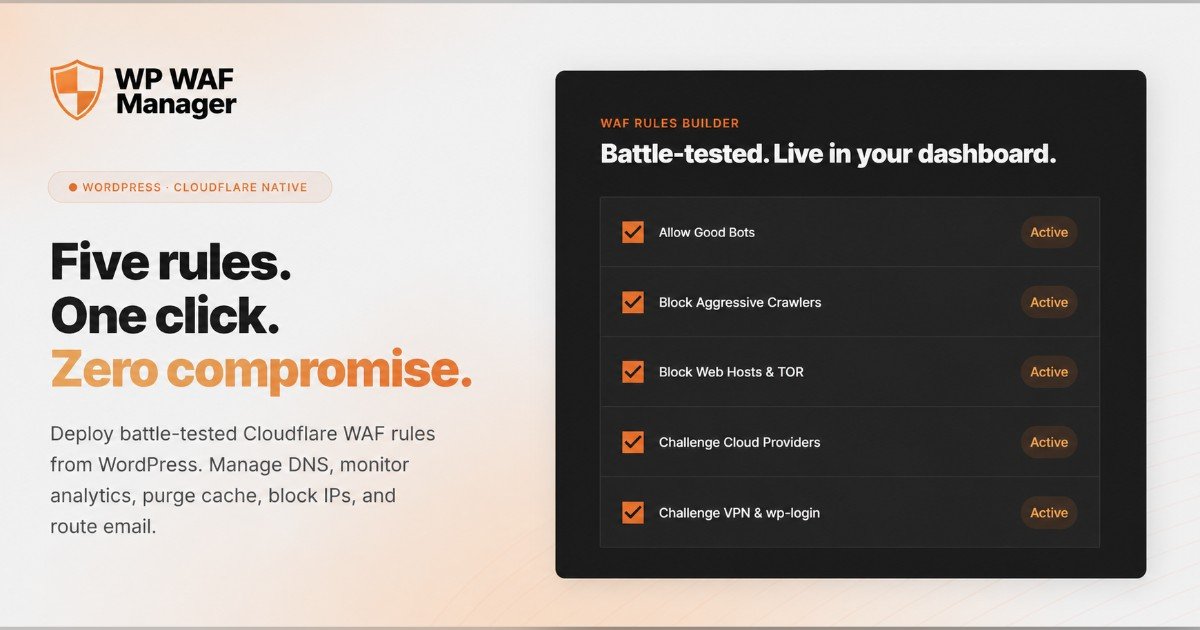
Managing Cloudflare across multiple WordPress sites often requires logging into separate dashboards and repeating rule updates, a workflow problem that a new plugin aims to solve. WP WAF Manager, developed by Nahnu Plugins, integrates Cloudflare’s firewall and other tools directly into the WordPress admin dashboard, allowing site owners, developers, freelancers, and agencies to manage Cloudflare settings without leaving the WordPress interface.
The plugin connects to Cloudflare through the Cloudflare API and supports a range of features including WAF rules, DNS records, zone controls, IP access rules, security events, analytics, email routing, and multiple Cloudflare accounts from one WordPress interface. According to the plugin’s website, it solves a common workflow problem for agencies: managing Cloudflare across multiple client sites often requires logging into separate dashboards, repeating rule updates, and switching between accounts. WP WAF Manager brings the most-used Cloudflare controls into the WordPress admin area, where agencies already manage client websites.
For WordPress site owners, the plugin helps improve edge-level security by deploying Cloudflare WAF rules before traffic reaches the WordPress server. It includes five tested firewall rules based on the open-source wafrules.com ruleset, which help address bad bots, SQL injection attempts, path traversal, VPN traffic, web hosting ASN traffic, and other common attack patterns. The plugin separates custom IP and user agent allowlists from the base WAF ruleset, allowing users to update the main ruleset without losing their own custom allowlist settings. For agencies managing client sites, this reduces the risk of overwriting important access rules during security updates.
In addition to firewall management, WP WAF Manager includes Cloudflare DNS management from inside WordPress. Users can manage Cloudflare DNS records, zone controls, cache purge, Under Attack Mode, Development Mode, SSL settings, IP access rules, security events, and email routing without leaving the WordPress dashboard. The plugin uses scoped Cloudflare API tokens as the recommended connection method, granting only the permissions WP WAF Manager needs and giving site owners and agencies better control than using a full Cloudflare Global API Key.
WP WAF Manager works with Cloudflare Free for most supported features, though the Security Events viewer requires Cloudflare Pro or higher because it depends on Cloudflare Events API access. The plugin is available as a free, open-source plugin through GitHub under the MIT license, and a Pro license is available for users who want automatic plugin updates inside WordPress admin and priority email support. More information is available in the plugin documentation and on the Nahnu Plugins website.